
Knowledge Base
Refunds
Refunds are an essential part of maintaining great customer service and accurate accounting in your restaurant operations. With FirePAY Restaurant POS, processing a refund is fast, secure, and fully traceable — ensuring that both customers and management have a clear...
Create and Apply Coupons
Coupons are a powerful way to attract new customers, reward loyalty, and promote special offers. With FirePAY Restaurant POS, you can easily create, manage, and apply coupons directly from your POS system — ensuring accuracy at checkout and consistency across your...
Transfer a Table or Server Orders
In a busy restaurant, it’s common for servers or managers to transfer tables or orders—for example, when staff change shifts or sections are reassigned. With FirePAY Restaurant POS, this process is simple, secure, and fully trackable through manager permissions. This...
Discounts
Managing discounts effectively is key to running successful promotions and rewarding loyal customers. The FirePAY Restaurant POS system gives you full control with three types of discounts — allowing you to apply savings to specific items or entire orders. In this...
How to Split a Check
The FirePAY Restaurant POS system makes it simple to split checks between guests — whether you’re managing a dine-in table, bar tab, or group order. This feature helps servers handle shared payments smoothly, keeping transactions organized and accurate. Follow this...
How to Add a Tip to a Credit Card Transaction
Managing gratuities efficiently is an important part of smooth restaurant operations. With FirePAY Restaurant POS, servers and managers can easily add or adjust tips on credit card transactions after payment — ensuring accurate reporting and seamless customer service....
How to Enroll a Fingerprint for Staff Members
The FirePAY Restaurant POS system allows staff members to use fingerprint authentication for secure and efficient access. This eliminates the need for passcodes, improves speed during busy shifts, and ensures that all transactions are accurately tied to the correct...
Open/ Close Procedures (Servers, Bar Tenders)
Efficiently opening and closing your register is essential for accurate shift management and financial accountability. The FirePAY Restaurant POS system makes this process simple, secure, and fully trackable for servers and bartenders. This step-by-step guide explains...
Employee Clock In/Out Guide
Managing employee time and attendance is effortless with FirePAY Restaurant POS. The built-in Clock In/Out feature allows restaurant owners and managers to accurately track staff hours, streamline payroll, and maintain labor compliance — all from the POS terminal....
Ticket Procedures Guide
Managing customer orders efficiently is essential for smooth restaurant operations. With FirePAY Restaurant POS, creating and managing tickets is fast, intuitive, and designed for any service type — whether dine-in, bar, delivery, or takeout.Follow this step-by-step...
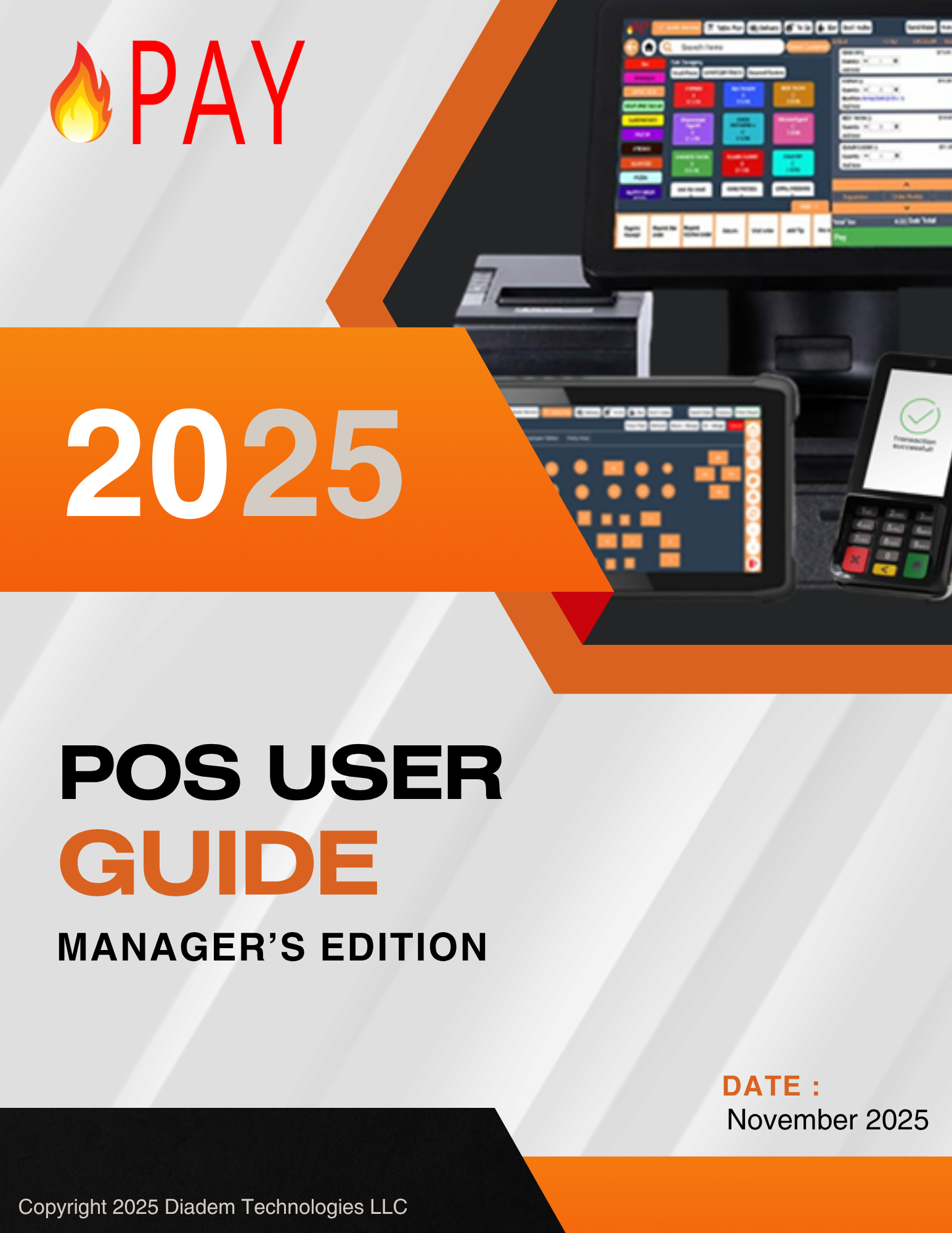
Download The Quick Guide
Contact
877-274-6652
support@firepay.app
Dates & Hours
Monday – Friday: 9am – 6pm
Saturday – Sunday: 10am – 4pm